


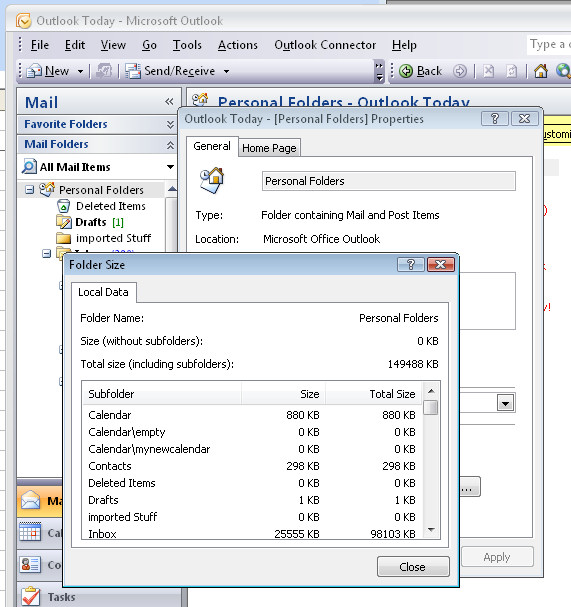
 Outlook stores all your email, contacts and appointments in one big PST file. Unfortunately, working with a large PST folder in Outlook will decrease its performance.
Over time you will find that Outlook’s folders grow if you don’t regularly remove out of date messages from them.
To see how big your folder is select the Mail option and click your Personal Folders item in the folders list. Right click and choose Properties for “Personal Folders” and then choose Folder Size to read the size of you PST file.
The closer to 2Gb that the file gets to be, the worse your Outlook performance will be and beyond that, it is possible that the file can become corrupt. Keep your file size below this for best performance.
Post a Comment
Please feel free to add your comment here. Thank you!