


 Sometimes you will need a new empty calendar in Outlook. You might need this if you’re planning an event and you need to keep everything for the even separate from your own calendar.
Or you might need a blank calendar so you can print blank pages to complete by hand.
So, when you need a blank calendar you can easily create one in Outlook. Choose File > New > Folder and give your folder the name you wan to use for your calendar.
From the Folder Contains list choose Calendar Items, from the ‘Select where to place the folder’ list choose Calendar, and click OK.
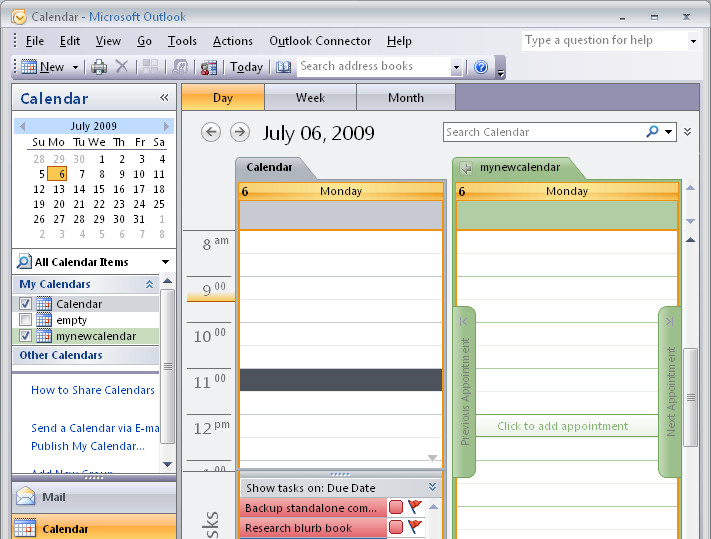
Click the Calendar option to display your calendars and, in the list, your new calendar’s name will appear.
You can click its checkbox to display it. If there is already one calendar visible, clicking its checkbox will display both calendars side by side or in overlay mode.
To change the display, right click the Calendar tab and choose either, View In Side-by-Side mode or View in Overlay mode.
Thanks, that was easy =0)